The workflow is Student → Department Head → Registrar’s Office for requests for major, non-major studio, or graduate elective credit.
The workflow is Student → Division of Liberal Arts → Registrar’s Office for requests for Liberal Arts credit
Once a form is ready for your action, you will receive an email notification from etrieve:
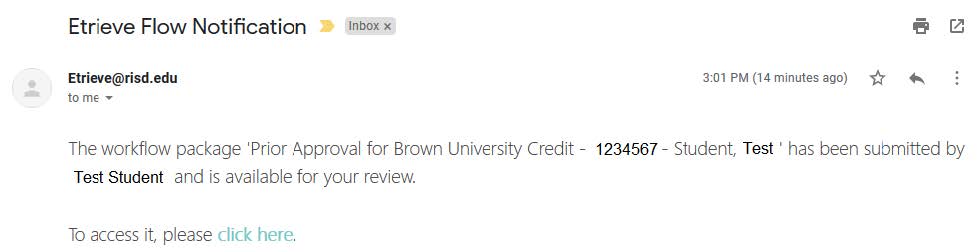
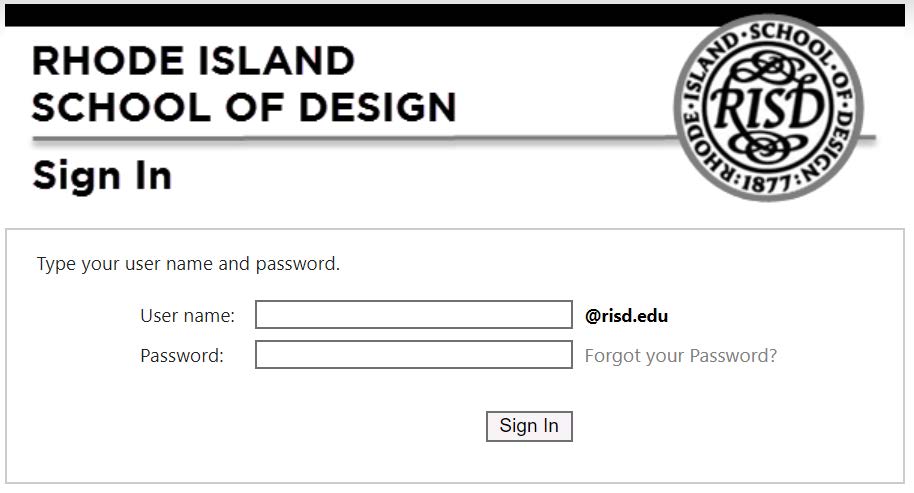
You can click the ‘click here’ in the email, or you can log in directly at etcentral.risd.edu with your login credentials:
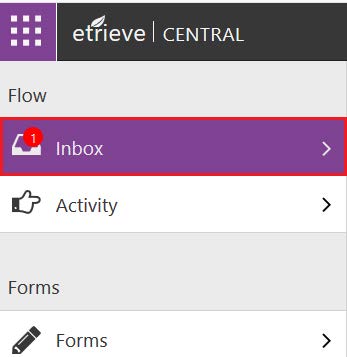
Forms that require action will be located in your Inbox:
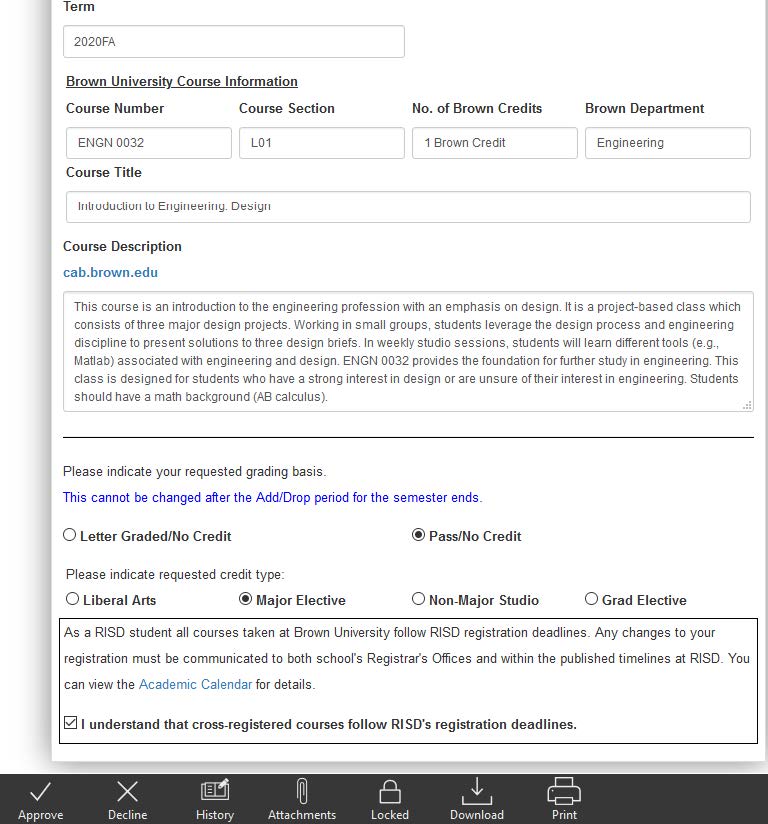
Select the form and review the information the student has provided.
Declining the Form (requested credit is not approved):
- If you do not approve the type of credit requested, select the ‘History’ button:
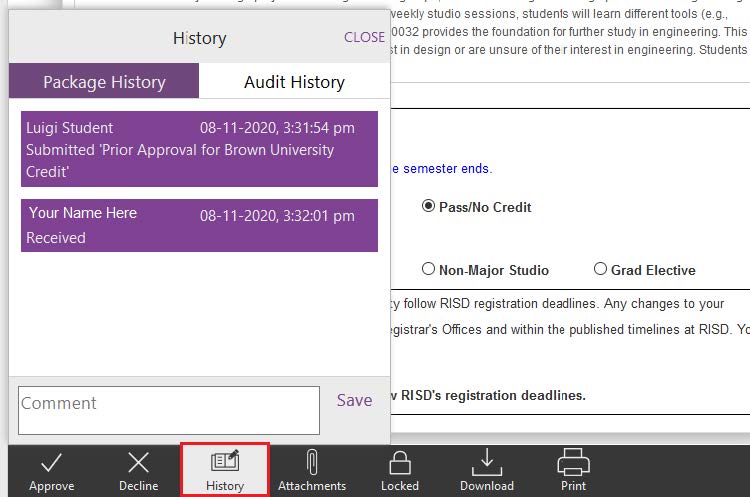
- Enter your comment regarding the reason you are declining the student’s request in the ‘Comment’ box. By entering a comment, the student receives an explanation for the rejection and/or instructions on alternate credit types.
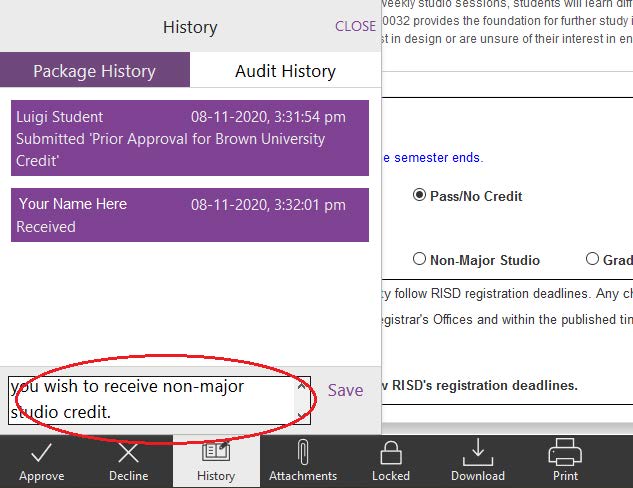
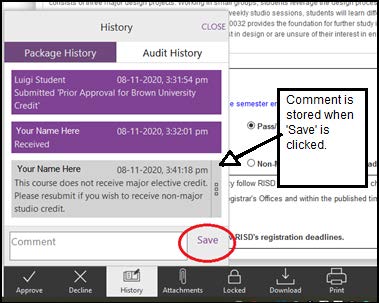
- Click SAVE
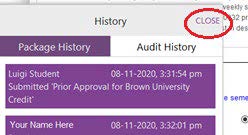
- Select ‘Close’ at the top right corner of the ‘History’ box:
- Decline the form.

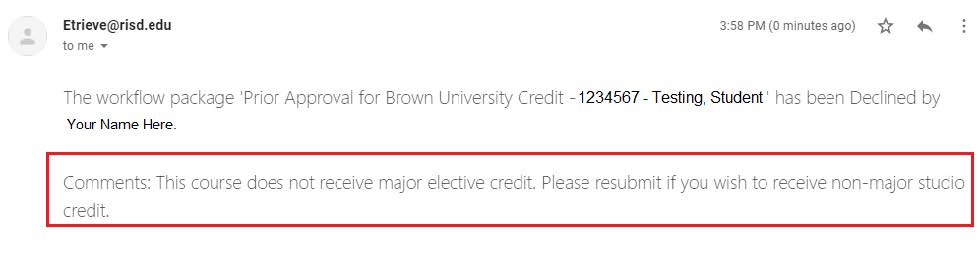
- The student receives a notification indicating their request is declined. They must re-submit a new form if desired. If you didn’t enter any reason why you were declining the request, the student will receive the decline notification without any additional comments included.
Approving the Form (requested credit type is approved):
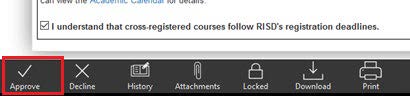
- If upon review of the information provided you approve of the request, simply approve the form by clicking ‘approve’.
- The student will be notified that the course has been approved for credit.

Students must still complete the registration process at Brown, as described on the Registrar’s website. Note that Brown will not process registration into the Brown course without indication from the RISD Registrar’s Office that the Prior Approval process has been completed.