The workflow for the prior approval form is:
Student → Liberal Arts → Registrar’s Office for requests for Liberal Arts credit, or
Student → Student’s Department Head → Registrar’s Office for requests for major, nonmajor, or graduate elective credit
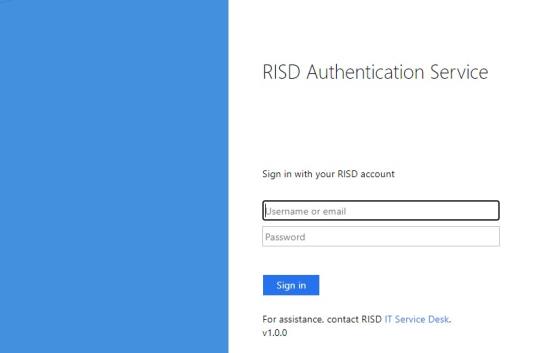
To fill out the Prior Approval for Brown University Credit form, log into etrieve at etcentral.risd.edu
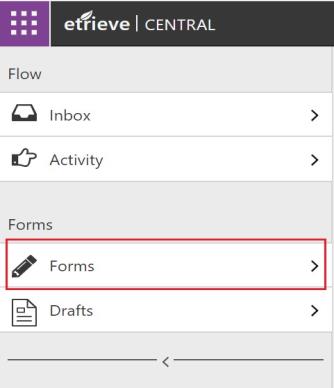
Select ‘Forms’ from the left-hand side of the Inbox.
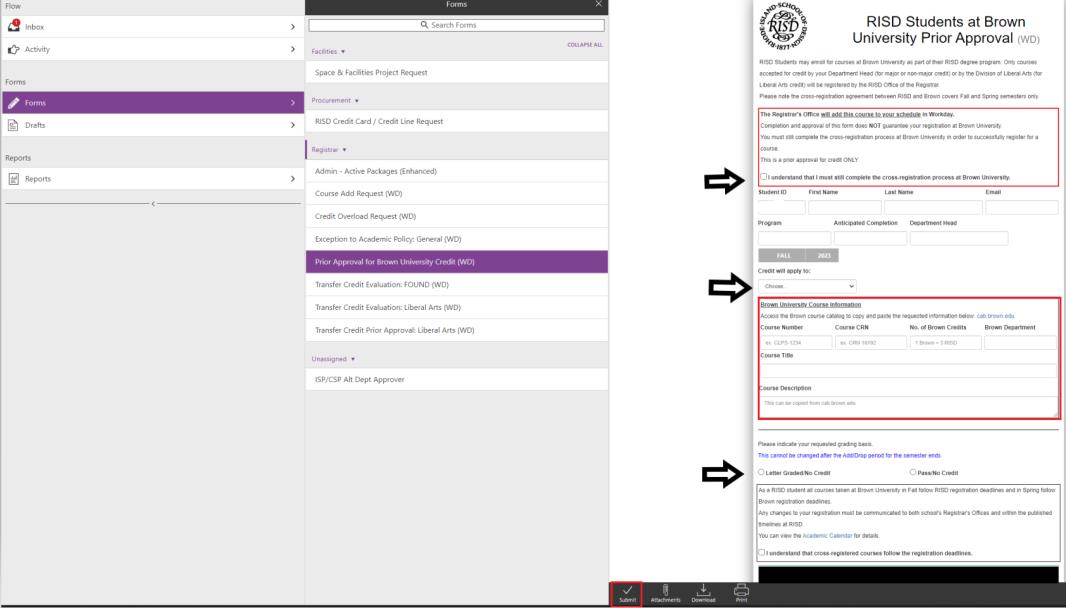
Select ‘Prior Approval for Brown University Credit’. Fill in all fields with requested Brown University Course information, and make all required selections/certifications:
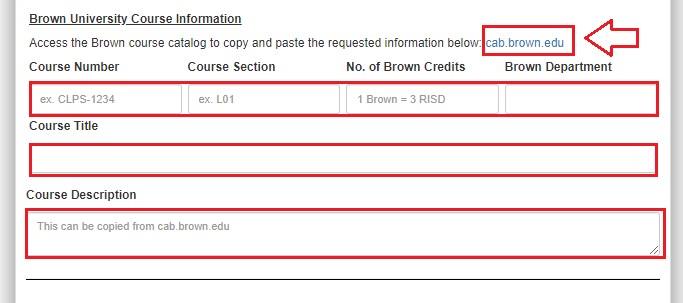
Use the ‘cab.brown.edu’ link to open the Brown Course Catalog to copy and paste all the course information:
Once complete, click the ‘Submit’ button at the bottom of the form:
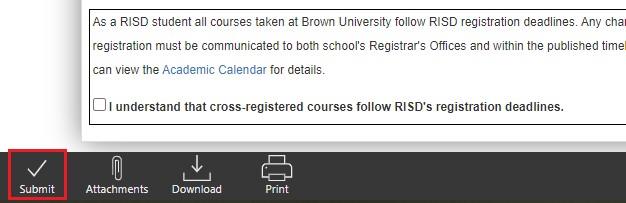
The form will route to the Division of Liberal Arts if you are requesting Liberal Arts credit, or your Department Head for any other credit type.
If your requested credit type is declined, you will receive a notification:
IMPORTANT! If your requested credit type is declined, there may be a comment indicating the reason. In order to have your course approved, you must submit a new form.

If your requested credit type is approved, you will receive a notification:

Once the Prior Approval for Brown University Credit request has been approved:
- The Registrar’s office will add the course to the student schedule. Course(s) should be dropped if registration of the Brown course will put them above 16 credits.
- The Brown Registrar will provide the student with instructions on how to obtain Brown credentials, or how to reactivate them. This may take a few days.
- After the credentials have been established, the student may log into Courses@Brown and request an override (instructor permission) to register the course. Tutorial found here.
- The student will receive an email when the instructor approves or denies the override request. Note: that the granting of the override does not register you for the course.
- When the override/permission is granted, the student will be able to register the course in Courses@Brown. Tutorial found here.
Brown and RISD will be doing daily reconciliation of course registrations.
- If a RISD student is not registered by the end of the add/drop period, their Brown student record will be deactivated and they will no longer have access to their Brown services or the course material.
- If a RISD student registered for a Brown course other than that for which approval was granted by RISD, the student will be dropped from that course